UniFi
Recommended 28× on r/BuyItForLife
Shop UniFi

Ubiquiti UniFi Access Point U7 Long-Range
The Ubiquiti UniFi U7 Long-Range (U7-LR) is a high-performance Wi-Fi 7 access point designed to deliver extended coverage and enhanced capacity for enterprise and large-scale resid...
Ubiquiti U7 Lite WiFi 7 Access Point
The Ubiquiti UniFi U7 Lite is a wireless access point designed for seamless connectivity in various environments. With a data transfer rate of 4.3 Gbps and support for both 2.4 GHz...
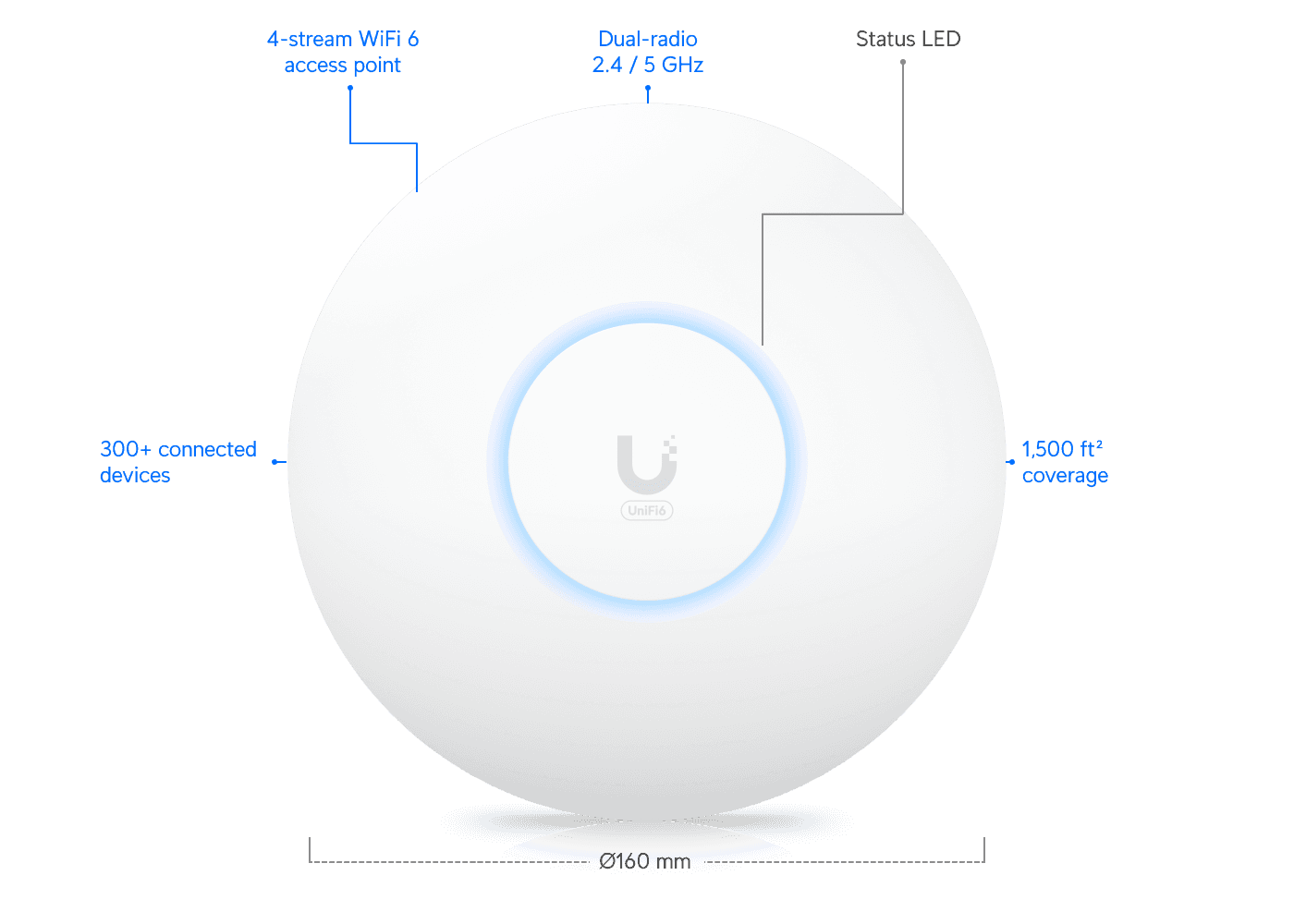
Ubiquiti UniFi U6+ Access Point US
Just unveiled, the UniFi U6+ Dual-Band Wi-Fi 6 Access Point is your ultimate solution for superior Wi-Fi 6 connectivity. Engineered to provide expansive coverage of up to 1,500 squ...
Access Point Ubiquiti U7-Pro
The Ubiquiti UniFi U7-Pro is a high-performance, ceiling-mounted access point engineered for demanding, large-scale enterprise environments. It leverages Wi-Fi 7 (802.11be) technol...

Ubiquiti U6-Pro WiFi 6 Access Point
The Ubiquiti UniFi 6 Professional Access Point WiFi 6 Pro is the ultimate solution for fast and reliable wireless connectivity. With its dual-band support and Gigabit Ethernet this...
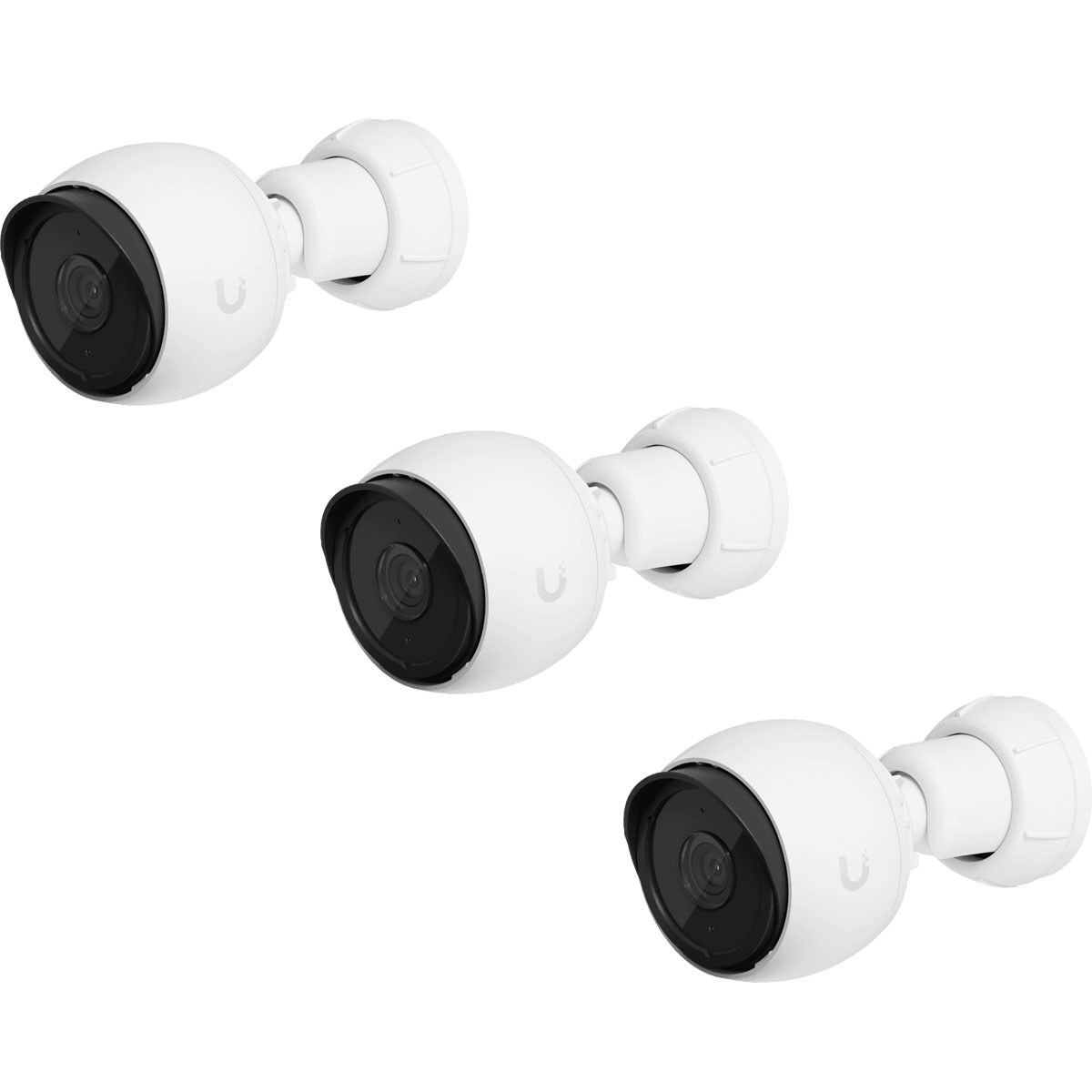
Ubiquiti UniFi Protect G4-Bullet Camera
The UniFi G4 Bullet camera delivers clear 4MP, 24 fps video over Gigabit Ethernet. The design of the ball joint mount allows for installation indoors or outdoors and offers flexibl...

Ubiquiti Camera G5 Bullet
Editorial Review of Ubiquiti UniFi Protect G5-Bullet Camera** The Ubiquiti UniFi Protect G5-Bullet Camera has garnered notable attention in the market for its high-performance feat...

UBIQUITI UVC-G5-FLEX UNIFI Protect IP Camera
Ubiquiti G5 Turret Ultra Black Camera
Securely monitor your surroundings with the UniFi Protect G5 Ultra 4MP Outdoor Network Turret Camera from Ubiquiti Networks. This unit uses a 1/2.4" image sensor to capture 2688 x...
Ubiquiti Camera G4 Instant UVC-G4-INS
Plug-and-play WiFi camera with 2K HD image resolution, a wide-angle lens, and two-way audio.The Camera G4 Instant captures sharp 2K HD video over dual-band WiFi and is equipped wit...
Ubiquiti UniFi Protect Network Video Recorder
Why settle for less when you can have the best with the UniFi Protect Enterprise Network Video Recorder This high-performing device is not just a network video recorder; it's an al...
Ubiquiti Camera G4 Instant
Plug-and-play WiFi camera with 2K HD image resolution, a wide-angle lens, and two-way audio.The Camera G4 Instant captures sharp 2K HD video over dual-band WiFi and is equipped wit...
Why r/BuyItForLife recommends UniFi
28 mentions from real owners
- #1Dec 28, 2025
Home security camera system
I like and recommend unifi.
View on Redditopen_in_new - #2Oct 10, 2025
Looking for Wi-Fi Router Recommendations!
Unifi Express 7 or a Dream Router 7
View on Redditopen_in_new - #3Oct 9, 2025
Best mesh wifi system recommendations
I’ve had UniFi stuff in my house for 5+ years, and yeah, WiFi issues aren’t a thing at my house, and there are no dead zones. I was a bit strategic around where I placed the APs, and I ran Ethernet to all of them except the one in the shed quite a ways from the house (that one is on mesh). I have solid signal anywhere on my property, and haven’t had any issues in the entire 5 years. Haven’t had any “need to reset the router again” moments at all with this. My parents have a UniFi setup as well, and no issues there either.
View on Redditopen_in_new - #4Sep 6, 2025
Why did we accept that security cameras need monthly fees to work properly?
You can use other cameras, but saving $100 wouldn’t make a big difference if you take dreammachine or nvr cost, and professional installation (running cable, possibly drywall guys, configuring your setup, etc) unless that’s something you can do yourself. I spent over 4k upgrading to unifi ecosystem (cameras, dream machine, switches, APs) and did all the work myself. If I would be installing that to a client would be north of 10k
View on Redditopen_in_new - #5Sep 6, 2025
Why did we accept that security cameras need monthly fees to work properly?
Dude if you can't figure out UniFi, you need subscriptions (and the support that comes with them) in your life. I literally switched my work to UniFi because I know it'll just hum along and they won't break it when I quit.
View on Redditopen_in_new - #6Sep 6, 2025
Why did we accept that security cameras need monthly fees to work properly?
I had no idea unifi makes its own cameras.If they have local storage I’m definitely checking that out.
View on Redditopen_in_new - #7Sep 6, 2025
Why did we accept that security cameras need monthly fees to work properly?
UniFi Protect does support other brands' ONVIF cameras, but just straight recording (no motion detections or AI identification) unless you buy extra UniFi hardware that'll do that computing. I have a handful of UniFi cameras around my shop, and one TP-Link VIGI camera I was given as a demo unit that I mounted in a back room with a rarely used side entrance. I rarely need to reference the camera, but it's nice to have it recording just in case of a break in or something.
View on Redditopen_in_new - #8Sep 6, 2025
Why did we accept that security cameras need monthly fees to work properly?
You may have, I don’t I run a £100 Mini PC and Frigate/Home Assistant for both AI detection and 24/7 recording, and it’ll work for as long as the Mini PC lasts There are other options (eg Blue Iris on a Windows computer or a Reolink or Unifi NVR) but Frigate is free and really very good
View on Redditopen_in_new - #9Sep 5, 2025
Why did we accept that security cameras need monthly fees to work properly?
This is why I went from Wyze to Unifi. Their main Unifi server is a router, firewall, and security system all wrapped into one package. the ONLY downside is that it only has one drive bay on the model I have (at some point I plan to get an NVR upgrade). The equipment is about mid-range in price, but you're only paying for that once, and then you can host everything internally, only thing you're paying for is the electricity. PLUS... you also know that your files aren't up on some unknown server in the cloud that who knows could look at (like... governments).
View on Redditopen_in_new - #10Sep 5, 2025
Why did we accept that security cameras need monthly fees to work properly?
My work has 8, I set them up easily with no experience with unifi other than some of their older access points...
View on Redditopen_in_new - #11Sep 5, 2025
Why did we accept that security cameras need monthly fees to work properly?
UniFi Protect is easily the best surveillance system on the market and there are no recurring fees and you're always accessing the footage that's stored IN your house on a hard drive you own.
View on Redditopen_in_new - #12Sep 5, 2025
Why did we accept that security cameras need monthly fees to work properly?
You can, but exactly right - if you’re spending the premium money for UniFi, just get their really nice cameras too.
View on Redditopen_in_new - #13Sep 5, 2025
Why did we accept that security cameras need monthly fees to work properly?
I'm using UniFi Protect at home works fine without a subscription. It isn't entirely free though. The 4 TB drive I put into it for video storage is nearing the end of its live time after about 5-6 years constantly writing to it. So that will require a replacement in the near term.
View on Redditopen_in_new - #14Sep 5, 2025
Why did we accept that security cameras need monthly fees to work properly?
I believe that you would need to buy the unifi cameras as well as the DVR, and it would be a separate system to your existing one. Depending on the DVR you get, could could then run your wifi from the same device that is your DVR.
View on Redditopen_in_new - #15Sep 5, 2025
Why did we accept that security cameras need monthly fees to work properly?
Unifi is good for a home user. Reolink is a good backup option if you don't want to pay Unifi prices. They both offer local storage (NVR). There are even ways to completely cut the cameras off from Internet access and still get alerts via a self hosted platform like Home Assistant. Not easy to do, but very possible.
View on Redditopen_in_new - #16Sep 5, 2025
Why did we accept that security cameras need monthly fees to work properly?
As of right now, it's the reason why I've (and my clients) invested into the UniFi system. If they decide to ever start charging a license fee I could see their reputation being burned down at that point because that's what they market (anti-licensing costs)
View on Redditopen_in_new - #17Sep 5, 2025
Why did we accept that security cameras need monthly fees to work properly?
Look into unifi
View on Redditopen_in_new - #18Sep 5, 2025
Why did we accept that security cameras need monthly fees to work properly?
UniFi does this. You can find some random Other companies on Amazon or alibaba. U need to be able to set this up but it pays for itself, quickly and no Company is selling your data and recordings.
View on Redditopen_in_new - #19Sep 5, 2025
Why did we accept that security cameras need monthly fees to work properly?
Who the fuck is this “we”? Unifi and similar have local cameras. You’re paying for a service, specifically for space to host the video and presumably backups.
View on Redditopen_in_new - #20Sep 5, 2025
Why did we accept that security cameras need monthly fees to work properly?
The price is definitely a trade off since UniFi cameras can’t subsidize the cost via cloud subscriptions.
View on Redditopen_in_new - #21Sep 5, 2025
Why did we accept that security cameras need monthly fees to work properly?
A lot of us didn’t accept it. UniFi for me.
View on Redditopen_in_new - #22Sep 5, 2025
Why did we accept that security cameras need monthly fees to work properly?
This is interesting - at our hostel we have old Arlo cameras that are grandfathered into not paying a subscription but we can't/wont add any more because any new ones need monthly payment. We also have UniFi system for our wifi, so it sounds like there might be an option to get UniFi cameras that wouldn't need a sub?
View on Redditopen_in_new - #23Sep 5, 2025
Why did we accept that security cameras need monthly fees to work properly?
It’s actually much more economical to run locally than to use cloud storage. My UniFi NVR cost $299 and I used some old hard drives. It also came with a free camera at the time. It’s been running now for a little over 2 1/2 years or around $10/month equivalent and it will only continue going down the longer I run it.
View on Redditopen_in_new - #24Sep 5, 2025
Why did we accept that security cameras need monthly fees to work properly?
I stick with UniFi cameras fed into my home server. I’m not sure if they have premium cloud options or whatever, but currently I get full local control and ability to use their NVR or another that I can locally host. I think that there’s a lot of BIFL stuff like this that just isn’t recommended because there’s a technology gap. Not everyone wants to become a network admin or tech literate for a lot of things. However, I’ve specifically bought tons of things just because I had the ability to locally host and get off cloud BS.
View on Redditopen_in_new - #25Sep 5, 2025
Why did we accept that security cameras need monthly fees to work properly?
Plenty options if you are willing to pay a lot more for camera plus NVR to store footage locally. Check out UniFi
View on Redditopen_in_new - #26Jul 4, 2025
Is this a true 'Buy It For Life' WiFi extender?
No it’s no-name Chinese branded shite. Get UniFi
View on Redditopen_in_new - #27May 5, 2025
Best doorbell camera for grandma, offsite app notifications and footage review/download
Go with the Reolink doorbell. I have mine plus several cameras hooked up to their NVR. No subscription, and can view and get alerts on your phone anywhere there is an internet connection. As with any tech, there is no such thing as buy it for “life” but you will get the most bang for your buck here without getting stuck on a subscription. If you have more $$$ in your budget, look into the Unifi ecosystem of cameras/networking equipment
View on Redditopen_in_new - #28Mar 3, 2025
Where Does "Buy It for Life" Not Make Sense?
Buying the best version you can afford helps. When getting a laptop don't just buy for your current workload, I usually double whatever the RAM is on the laptop I am replacing. Use a router that doesn't have wireless on it or disable the onboard wireless and get a separate access point. I just buy a new Unifi access point every 5 years or so when it seems like it's worth it. Phones are at a pretty good place now where you can easily get 3-4 years out of them and then pass them down to a kid or family member.
View on Redditopen_in_new